Skip to content

Best picks for your needs

Product comparisons to help you choose.

Showing 1–6 of 6 · Page 1 of 1

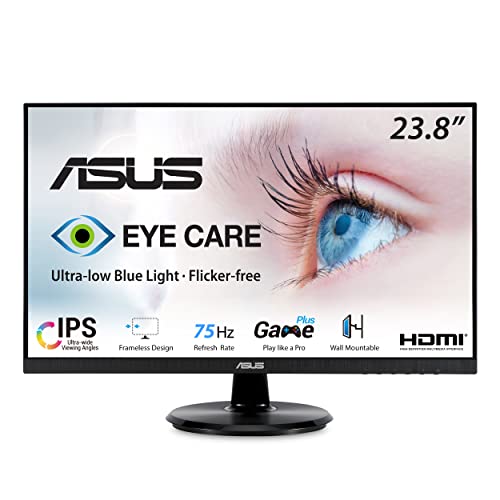
ASUS VA24DQ

ASIN B08C5MGFXQ

VA24DQSB

ASIN B09F9WVYTY

Electronics & accessories

ASUS VA24DQ vs VA24DQSB: Which Desk Setup Fits Your Workflow?

The VA24DQSB is the better feature fit when you need height, swivel, portrait pivot, or USB ports at the display. The VA24DQ keeps the stand to tilt and omits USB 2.0 ports, so it fits a fixed setup with peripherals connected elsewhere.

Read comparison

ASUS VA24DQSB

ASIN B09F9WVYTY

VA249QG

ASIN B0DM6R51KT

Electronics & accessories

ASUS VA24DQSB vs VA249QG: Adjustable Stand or 120 Hz?

Choose VA24DQSB when the supplied stand must raise the screen or turn it to portrait and 75 Hz is enough. Choose VA249QG for documented 1080p at 100/120 Hz over HDMI or DisplayPort when a tilt-only stand suits your setup.

Read comparison

ASUS VG27AQL5A

ASIN B0F237NSVQ

VA24DQSB

ASIN B09F9WVYTY

Electronics & accessories

ASUS VG27AQL5A vs VA24DQSB: Which Fits Your Desk and Computer?

Choose VG27AQL5A for its 27-inch QHD screen and higher refresh options, provided your computer can supply them; 210 Hz requires DisplayPort and overclocking. Choose VA24DQSB when a narrower Full HD monitor with a VGA input and USB peripheral hub fits the setup.

Read comparison